app 1.4.0
MeetKeeper speaks Chinese and Spanish
- The notch, Settings, alerts, invitations and the welcome now come in Simplified Chinese and Spanish, as well as English. Dates and times follow too.
- It uses your Mac's language by itself. To pick one just for MeetKeeper, open Settings → General → Language.
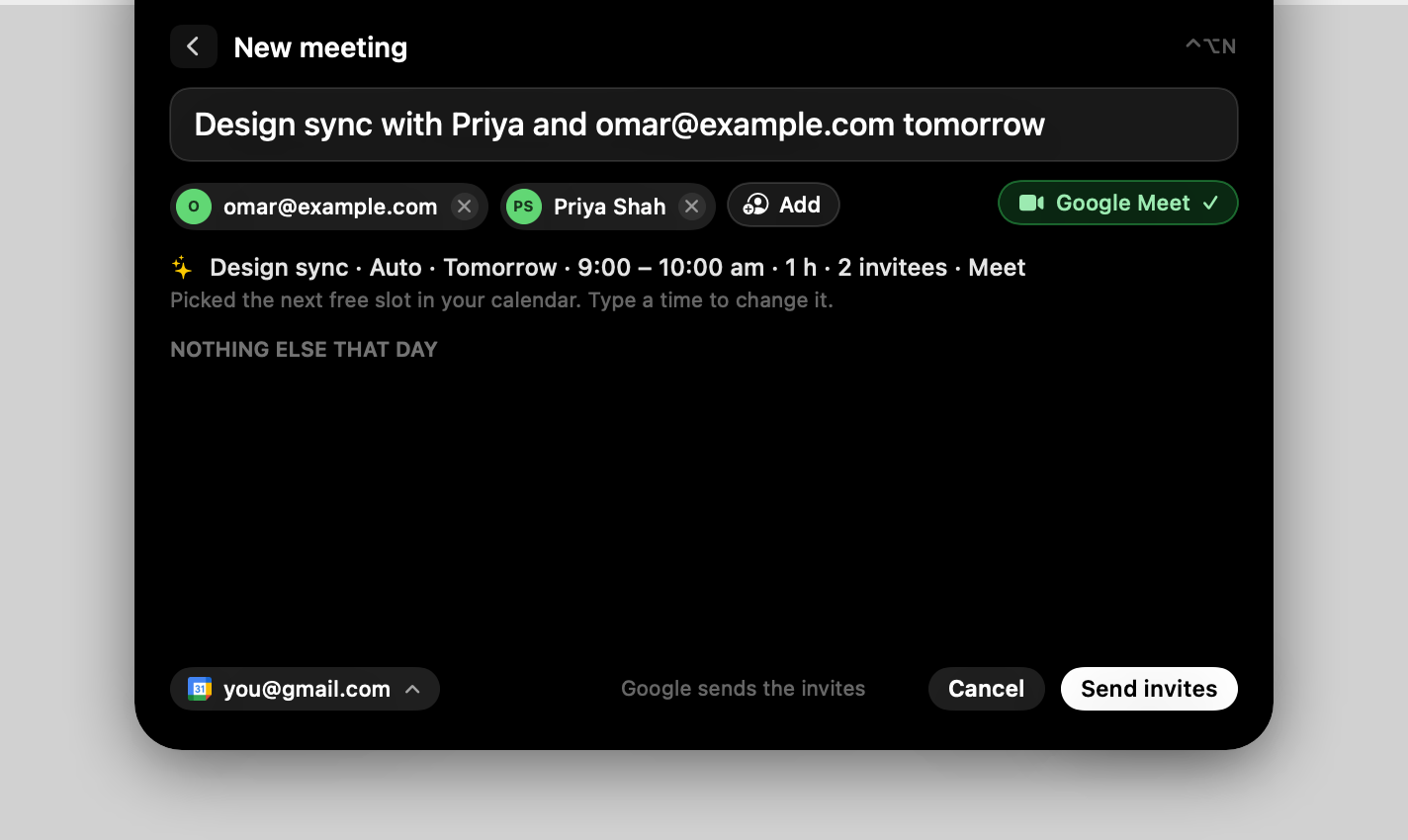
- Quick add reads dates typed in Chinese or Spanish: 明天下午4点和 Sam 喝咖啡 or Café con Sam mañana a las 16:00.
- In any language, in 30 min or in 2 hours now sets the time it means.